
Quick Executive Summary
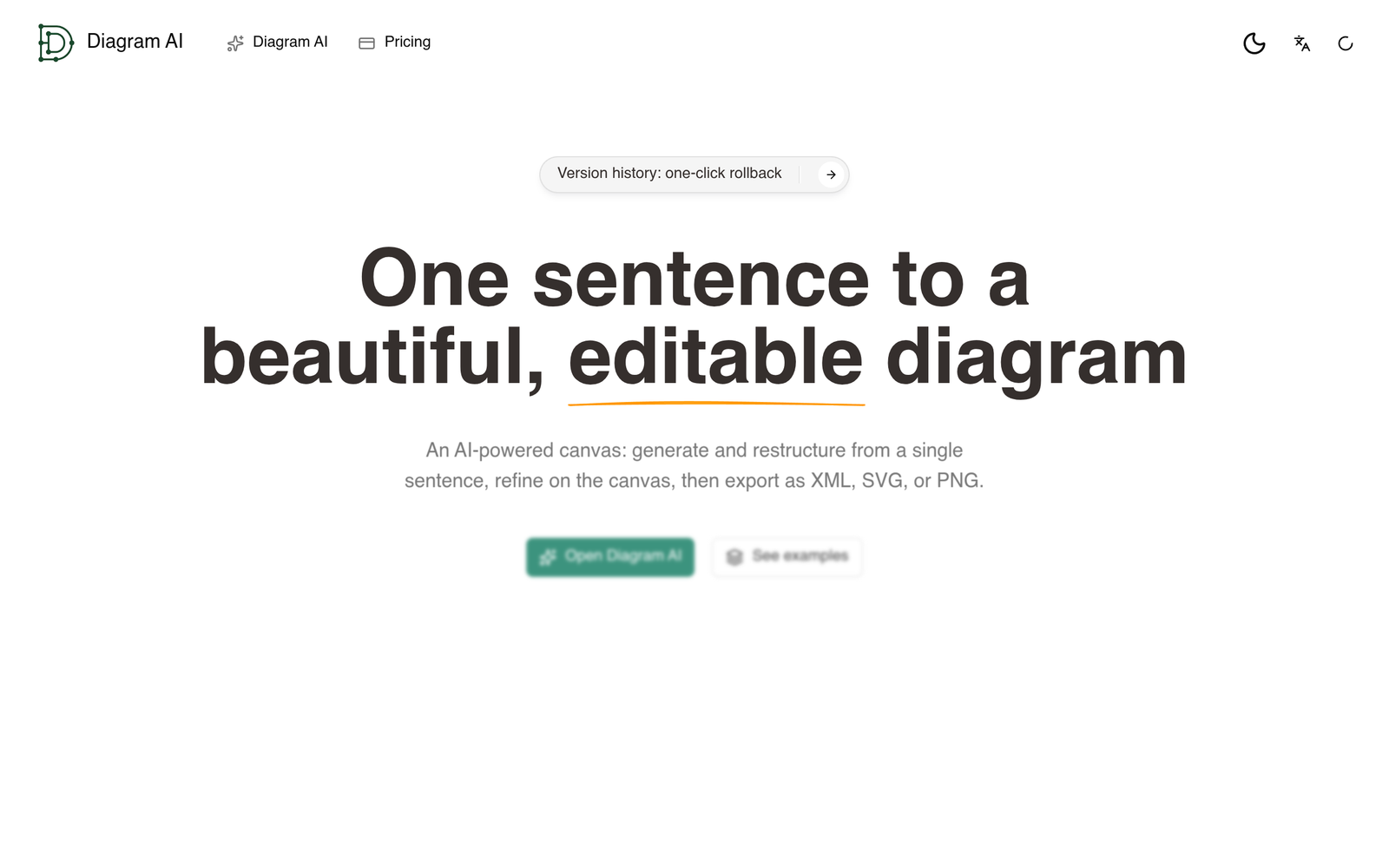
Diagram AI is an AI-native canvas application built to generate and modify structured technical diagrams from plain-text prompts. Rather than forcing users to manually drag shapes and snap connector lines, the tool accepts a single-sentence prompt to produce flowcharts, sequence diagrams, cloud architecture diagrams, class diagrams, and workflow maps. Users can then manipulate items visually on an infinite canvas or issue follow-up instructions via a conversational chat panel. While the product effectively reduces the manual friction of initial diagram layout, its free tier is severely restricted to one prompt per day, making paid tiers ($9.90 to $19.90 per month) necessary for practical use.
What Diagram AI Is and How It Actually Works
Documenting technical systems and operational workflows usually requires either writing syntax in text-to-diagram engines (like Mermaid or PlantUML) or spending hours manually aligning nodes in visual tools like Lucidchart or Visio. Diagram AI attempts to bridge this gap by combining generative language models with an interactive vector canvas.
The workflow operates through a floating chat panel (accessible via the Ctrl/Cmd + B shortcut). When a user inputs a prompt—such as “Create a user authentication flow with OAuth2, JWT verification, and Redis session caching”—the system parses the entities, defines relationships, and renders the diagram directly onto an infinite canvas. Edits can be performed either conversationally (e.g., “Add a retry step if the Redis cache is unreachable”) or manually by dragging, grouping, and aligning elements.
To address the common issue of automated diagrams becoming tangled messes of intersecting connectors, Diagram AI integrates an automated formatting engine designated as Autolayout 2.0. This engine recalculates spacing, reduces overlapping paths, and enforces visual hierarchy automatically after generative modifications.
Target Audience & Ideal Users
Diagram AI is primarily targeted at roles responsible for communicating systems and processes:
- Platform and Software Engineering Managers: Teams needing to quickly sketch microservice topologies, data pipelines, sequence diagrams, or cloud infrastructure layouts for architectural design reviews.
- Product Managers: Individuals translating customer discovery sessions into user journeys and high-level logic flows without spending extensive time formatting arrows.
- Operations and Business Leads: Professionals who need to map internal approval pipelines, standard operating procedures (SOPs), and operational workflows into clean, shareable visuals.
Core Features & Capabilities
- Conversational Diagram Generation: Generates complete diagrams—including flowcharts, sequence diagrams, cloud architecture maps, and class diagrams—from single-sentence natural language prompts.
- Dual-Mode Editing Canvas: Provides an infinite canvas where elements can be manually dragged, grouped, and aligned, alongside a floating chat panel for prompt-based structural adjustments.
- Autolayout 2.0: An internal layout engine designed to minimize line crossings, maintain uniform node spacing, and preserve logical hierarchy as diagrams scale.
- Context File Grounding (Paid Feature): Allows users to upload text files, PDFs, or reference images to ground the AI generation in actual product specifications or architecture documentation.
- Version History and Rollback: Includes automated version tracking with one-click restoration, allowing users to revert structural changes if an AI refinement produces unintended layouts.
- Standardized Export Formats: Diagrams can be exported locally as XML, SVG (vector), or PNG (raster) files for inclusion in documentation repositories, pull requests, or slide decks.
Pricing, Tier Differences, and Plan Limitations
Diagram AI operates on a freemium model with credit-based usage on paid plans. Annual subscriptions offer a 40% discount compared to monthly rates.
| Plan | Price (Monthly) | Credit Allowance / Est. Runs | Context Uploads (PDF/Image/Text) | Export Options |
|---|---|---|---|---|
| Free | $0 / month | 1 generation or edit per day | Not supported | XML, SVG, PNG |
| Pro | $9.90 / month | 500 credits / mo (50–500 runs) | Supported | XML, SVG, PNG |
| Plus | $19.90 / month | 1,500 credits / mo (150–1,500 runs) | Supported | XML, SVG, PNG |
The free tier serves primarily as an interactive trial. Because it limits activity to a single use per day and blocks external document uploads, users cannot effectively test multi-step iterative workflows without upgrading. On paid tiers, the relationship between credits and runs fluctuates: a 500-credit allotment yields anywhere from 50 to 500 actions, depending on the complexity of the prompt and the size of the diagram being restructured.
Key Advantages
- Elimination of Manual Arrow Routing: Changing an existing flow via the chat interface rewires dependencies and readjusts canvas geometry automatically, eliminating the tedious realignment typical of visual editors.
- Document Grounding on Paid Plans: The ability to upload architecture PDFs or technical requirement documents significantly reduces hallucination and manual prompt typing when mapping existing documentation.
- Vector and Data Portability: SVG export ensures diagrams remain crisp in web documentation, while XML export allows raw structural data extraction.
- Safety Net via Rollback: Generative changes can occasionally disrupt a previously balanced diagram layout; the one-click version rollback provides an immediate safeguard against unwanted iterations.
Documented Drawbacks and Limitations
- Severely Restricted Free Tier: Despite vendor marketing describing the tier as generous, a hard cap of one request per day makes ongoing free usage impossible for active technical work.
- Opaque Credit Consumption: Paid tiers state that 500 credits equal “50–500 diagram runs.” This 10x variance means heavy modifications or large architectural maps consume allowances much faster than basic flowcharts.
- Unverified File Format Compatibility: While the tool exports standard XML, vendor documentation does not verify native round-trip compatibility with specialized diagram tools like draw.io.
- Unverified Live Operational Claims: Marketing materials feature testimonials mentioning runbooks pulling live system statuses; however, integration with live operational monitoring or real-time infrastructure APIs is unverified in the product’s core feature specification.
Who Should Consider Diagram AI vs. Who Should Look Elsewhere
Who Should Consider It:
- Engineers and technical leads who regularly sketch initial system architectures and dread the manual overhead of node alignment.
- Product managers who want to turn text discovery notes or PRD specifications directly into process flows by attaching reference documents.
- Users who require standard vector (SVG) or image outputs for documentation wikis without managing code-based text diagram tools.
Who Should Look Elsewhere:
- Developers who strictly prefer version-controlled, text-first diagramming (e.g., Mermaid.js, PlantUML embedded directly inside Git repositories).
- Enterprise teams requiring live telemetry and automated cloud environment discovery (e.g., tools that connect directly to AWS/GCP to map resources dynamically).
- Users looking for a completely free or self-hosted alternative, as Diagram AI’s free functionality is capped at one daily request.
Transparent Editorial Evaluation & Methodology
This review is a research-based technical analysis conducted by AI Tool Bee. Findings are compiled from official technical documentation, publicly published tier specifications, and verified feature audits. No hands-on trial was conducted for this evaluation. Claims regarding integrations, file handling, and limits reflect documented specifications as of late 2026. Unverified capabilities—such as live runbook telemetry, native draw.io file fidelity, and mind-map classification—have been explicitly excluded from verified feature assessments.
Review Methodology & Source Verification
This is a research-based product analysis based on vendor documentation, publicly documented pricing, and verified technical specifications. No hands-on trial was conducted.
Last Verified: October 17, 2026
Primary Sources: Diagram AI Official Documentation
Similar AI Tools You Might Like

By using Visily, users can save time and resources on design and focus on other aspects...

Magician is an AI-driven design tool for Figma that empowers users to harness the capabilities of...

Logojoy has been rebranded as Looka! With Looka, you can unleash the power of Artificial Intelligence...