Quick Executive Summary
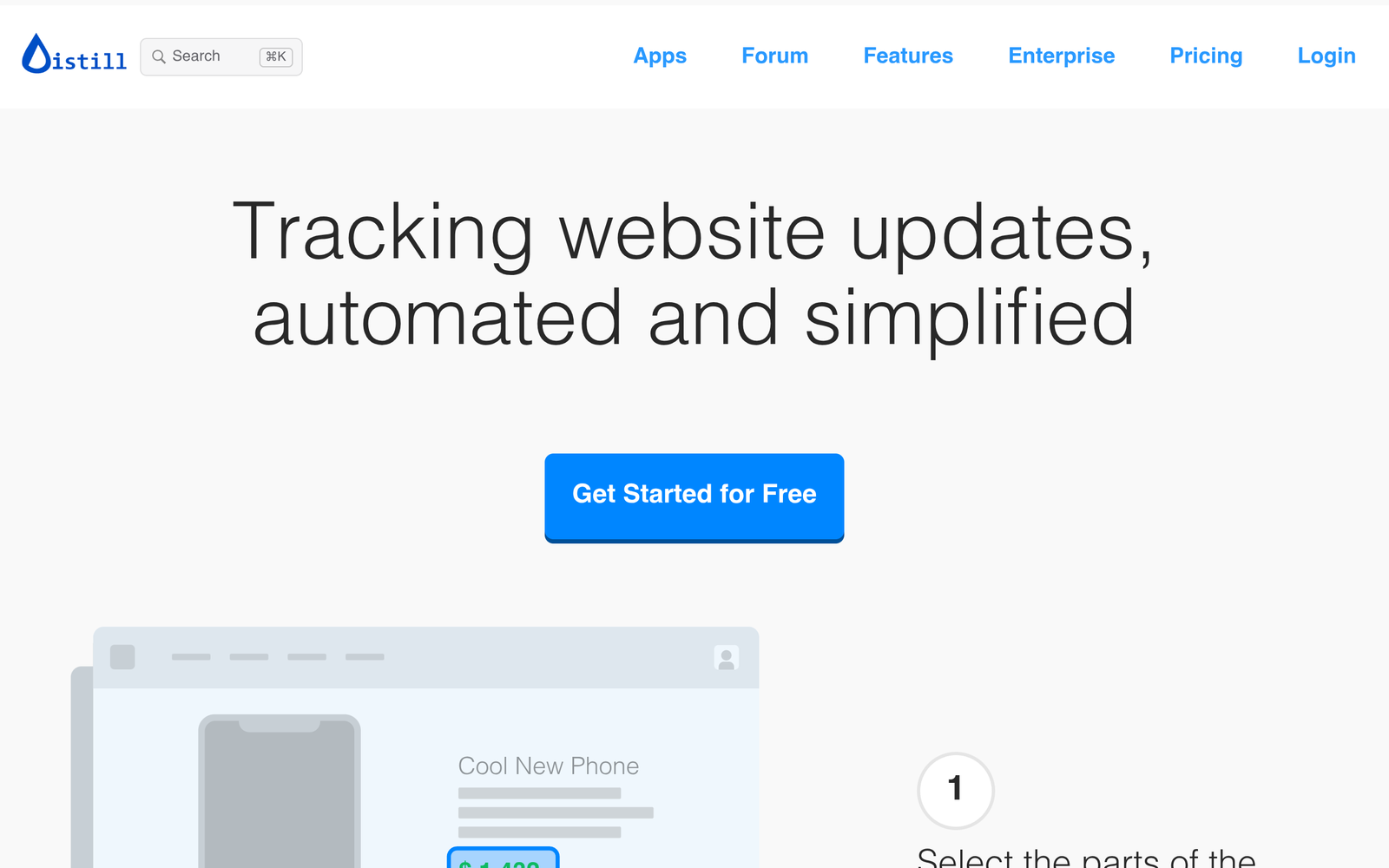
Tracking manual changes across hundreds of dynamic web pages, legal portals, and price tables is an inefficient use of analyst time. Scrapex Beta is an automated website and document change detection platform powered by Distill web monitoring technology. It continuously checks designated web pages or static files in the background, identifying alterations down to specific DOM elements and sending alerts across multiple channels. This Scrapex Beta review analyzes its operational model, technical architecture, verified capabilities, and current limitations based on verified specifications.
What Scrapex Beta Is and How It Actually Works
Scrapex Beta functions as a persistent digital observer for changes on the public and private web. Operating on Distill’s established monitoring framework, the service bridges browser-level execution with cloud automation to track modifications without requiring bespoke scraping scripts.
The system operates across two distinct deployment modes:
- Local Monitoring: Powered by dedicated browser extensions (available for Google Chrome, Mozilla Firefox, and Opera) as well as desktop clients. In this mode, checks are executed directly from your local machine, utilizing your active session cookies and local IP address.
- Cloud Monitoring: Powered by a 24/7 centralized infrastructure that offloads monitoring tasks to Scrapex servers. Cloud tasks run continuously without requiring an open browser window or active workstation.
Users configure monitors by targeting specific sections of a webpage or uploading documents such as PDFs. The platform applies user-defined smart conditions—such as filtering out cosmetic design adjustments and triggering only on specific numerical or text changes—and creates a historical version log whenever a confirmed match is recorded.
Target Audience & Ideal Users
Scrapex Beta is structured to serve both technical operators and business intelligence professionals who require reliable change intelligence:
- Competitive Intelligence Analysts: Professionals tracking rival pricing structures, messaging shifts, product releases, and documentation updates across competitor websites.
- Legal and Regulatory Compliance Teams: Operators tasked with monitoring statutory portals, policy updates, terms-of-service alterations, and regulatory PDF filings.
- Cybersecurity and IT Teams: Engineers tracking external asset defacement, status page incidents, or security alert bulletins.
- Casual Users and Developers: Individuals seeking out-of-stock product updates or developers wanting visual change detection without maintaining custom headless browser infrastructure.
Core Features & Capabilities
Our review confirmed the following key capabilities present within Scrapex Beta:
Hybrid Monitoring Architecture
The software allows users to balance workloads between client-side monitoring (via browser extensions on Chrome, Firefox, and Opera, plus desktop and mobile apps) and 24/7 cloud monitoring controlled from a unified dashboard.
Deep Target Support (PDFs and Authenticated Pages)
Unlike basic ping monitors that only evaluate top-level HTTP status codes, Scrapex Beta can inspect specific sections of text within password-protected portals and private web pages. It also features native support for monitoring changes within PDF files.
Smart Triggers and Version History
To reduce notification fatigue, the platform lets users establish custom tracking frequencies and compound logic conditions. When an update fulfills these conditions, Scrapex Beta logs the event within an internal version history, allowing users to visually inspect chronological differences.
Multi-Channel Notification Infrastructure
Alerts can be dispatched instantaneously via push notifications, email, SMS, or directly inside dedicated mobile and desktop applications.
Pricing, Tier Differences, and Plan Limitations
Scrapex Beta uses a freemium model. While entry-level functionality is publicly accessible, commercial-tier pricing details remain unlisted in available documentation.
| Plan Feature | Free Tier | Paid Tiers |
|---|---|---|
| Local Monitors | 25 monitors | Not disclosed |
| Cloud Monitors | 5 monitors | Not disclosed |
| Check Frequency | Minimum 6-hour interval | Not disclosed |
| Monthly Check Limit | 1,000 checks / month | Not disclosed |
| Email Alerts | 30 / month | Not disclosed |
| Pricing | $0 | Undisclosed in vendor documentation |
Key Advantages
- Private Session Compatibility: The local browser extension leverages your local browser environment, making it straightforward to monitor pages behind logins, two-factor authentication gates, or internal company intranets.
- File-Level PDF Tracking: Extending change detection to PDF documents provides significant utility for tracking government registers, whitepapers, and technical manuals.
- Auditable Version Archives: The inclusion of historical version logging ensures that analysts have a documented audit trail of exactly when and how copy or pricing changed over time.
- Extensive Multi-Platform Coverage: Support covers major browsers (Chrome, Firefox, Opera), mobile devices, and desktop environments.
Documented Drawbacks and Limitations
- Free Tier Latency Constraints: With a minimum cloud check frequency of 6 hours and only 5 cloud monitors, the free tier cannot support time-sensitive alerting like flash sales, real-time ticket restocks, or rapid server outages.
- Low Alert Volume for Free Accounts: Capped at 30 email alerts per month, high-traffic pages with frequent small changes will exhaust the notification allocation quickly.
- Undisclosed Commercial Pricing: Vendor documentation does not state the pricing or scale of paid tiers, creating an obstacle for procurement teams estimating operational costs.
- Local Execution Dependency: To run the 25 local monitors, the host machine and browser must stay active and connected to the internet; they do not operate while the computer is asleep.
Who Should Consider Scrapex Beta vs. Who Should Look Elsewhere
Consider Scrapex Beta If:
- You need to monitor changes on private, login-protected portals without exposing your credentials to third-party cloud infrastructure.
- You need to track regulatory or technical changes published inside PDF files alongside standard HTML.
- You want a cross-platform solution with a centralized dashboard that tracks version histories over time.
Look Elsewhere If:
- You require high-frequency, near-real-time alerting (e.g., sub-minute intervals) without upgrading or running complex local infrastructure.
- Your organization requires fully transparent, upfront enterprise pricing matrices prior to onboarding.
- You need an enterprise data-extraction API to pull high-volume unstructured web data at scale into a data warehouse, rather than change detection and alerts.
Transparent Editorial Evaluation & Methodology
This review is a research-based product analysis. Findings, tier specifications, and platform characteristics were compiled from Scrapex Beta’s vendor documentation, technical feature listings, and verified performance limits. No hands-on testing or synthetic benchmarking was conducted for this evaluation. Pricing and feature availability reflect verified platform specifications at the time of publication.
Review Methodology & Source Verification
This is a research-based product analysis based on vendor documentation, publicly documented pricing, and verified technical specifications. No hands-on trial was conducted.
Last Verified: October 16, 2026
Primary Sources: Scrapex Beta Official Documentation